> ## Documentation Index
> Fetch the complete documentation index at: https://portkey-docs-chore-bedrock-service-tier-support.mintlify.site/llms.txt
> Use this file to discover all available pages before exploring further.
# Configure Virtual Key Access Permission for Workspaces
This is a Portkey Enterprise plan feature.
## Overview
Virtual Key Management in Portkey allows Organization administrators to define who can view and manage virtual keys within workspaces. This feature provides granular control over access to virtual keys, which are critical for managing connections to external AI providers and services.
## Accessing Virtual Key Management Permissions
1. Navigate to **Admin Settings** in the Portkey dashboard
2. Select the **Security** tab from the left sidebar
3. Locate the **Virtual Key Management** section
## Permission Settings
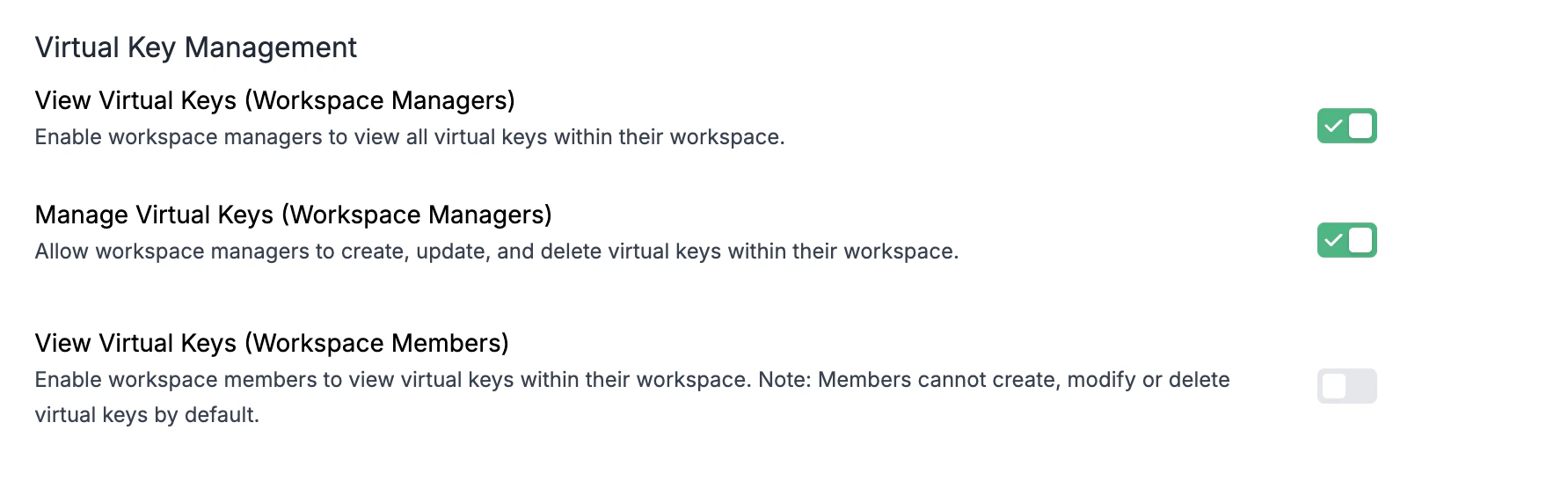
The Virtual Key Management section provides three distinct permission options:
| Permission | Description |
| -------------------------------------------- | -------------------------------------------------------------------------------------------------------------------------------------------- |
| **View Virtual Keys (Workspace Managers)** | Enable workspace managers to view all virtual keys within their workspace. |
| **Manage Virtual Keys (Workspace Managers)** | Allow workspace managers to create, update, and delete virtual keys within their workspace. |
| **View Virtual Keys (Workspace Members)** | Enable workspace members to view virtual keys within their workspace. Note: Members cannot create, modify or delete virtual keys by default. |
 ## Understanding Virtual Keys
Virtual keys in Portkey securely store provider credentials and enable:
* Centralized management of AI provider keys
* Abstraction of actual provider keys from end users
* Definition of routing rules, fallbacks, and other advanced features
* Application of usage limits and tracking across providers
By controlling who can view and manage these virtual keys, organizations can maintain security while enabling appropriate access for different team roles.
## Related Features
Learn about Portkey's access control features including user roles and organization hierarchy
Understand how virtual keys work and how to configure them effectively
Learn how to set budget limits on virtual keys to control spending
## Understanding Virtual Keys
Virtual keys in Portkey securely store provider credentials and enable:
* Centralized management of AI provider keys
* Abstraction of actual provider keys from end users
* Definition of routing rules, fallbacks, and other advanced features
* Application of usage limits and tracking across providers
By controlling who can view and manage these virtual keys, organizations can maintain security while enabling appropriate access for different team roles.
## Related Features
Learn about Portkey's access control features including user roles and organization hierarchy
Understand how virtual keys work and how to configure them effectively
Learn how to set budget limits on virtual keys to control spending